Hard to find key information
Customer needs and progress are buried in long chats, forcing staff to scroll back to review history.

LINE × CRM
Connect your LINE Official Account (LINE OA) to your business system. AI summarizes conversations, creates service records, and tracks open issues so your team stays on top of customer needs and progress.
PAIN POINT
Customer needs and progress are buried in long chats, forcing staff to scroll back to review history.
Staff have to manually note customer needs, key points, and next steps — slow and easy to miss.

Service records and to-dos live in separate places, making handovers hard and progress unclear.

FEATURES
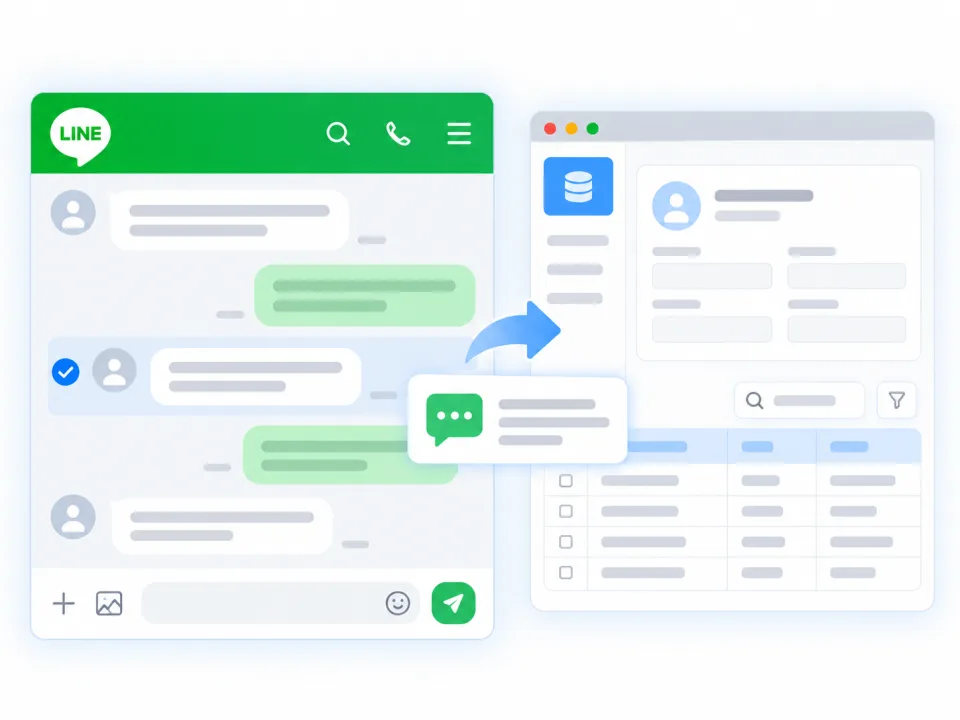
Connect LINE OA and archive selected conversations into your management system for easy lookup.
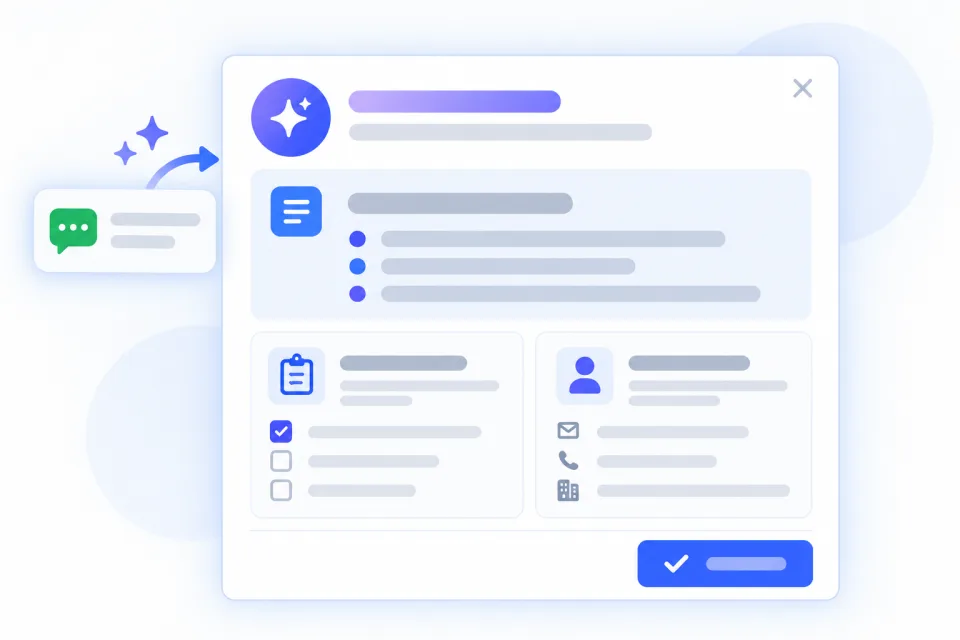
Select important messages and let AI summarize customer needs, key points, and next actions.
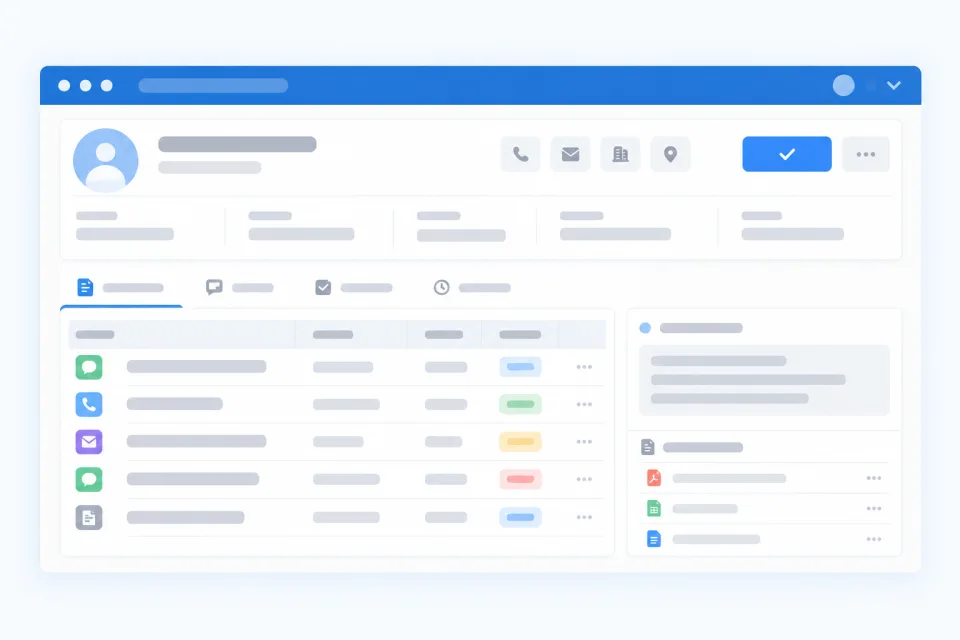
Save selected chats as service records linked to customer data, so service history is easy to review.
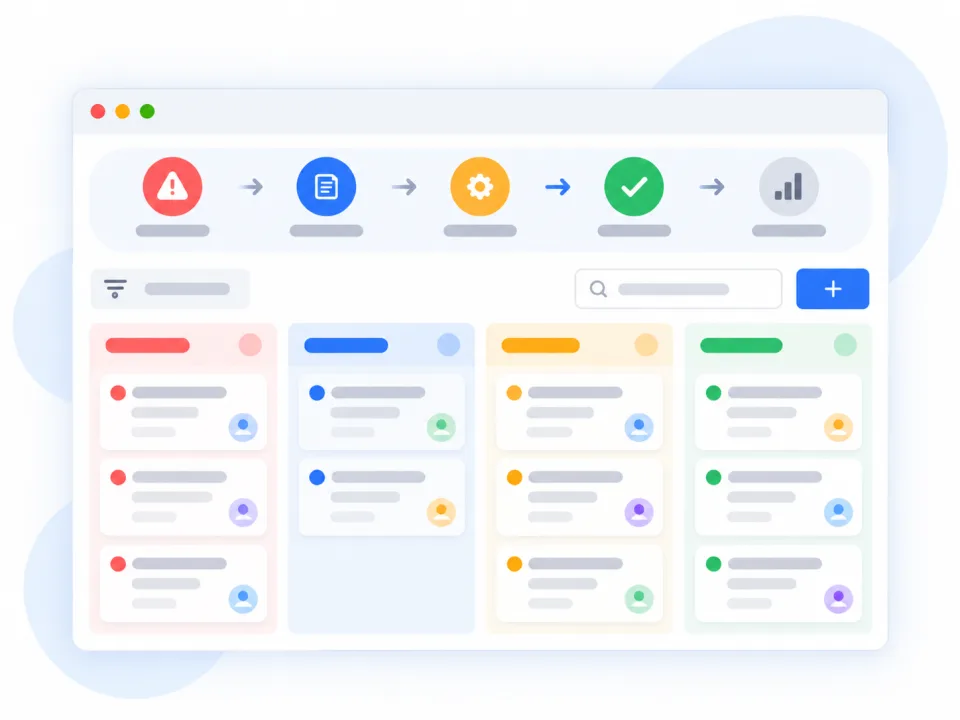
Turn issues or requests that need follow-up into Issue Tickets for a transparent resolution process.
HOW IT WORKS
Click the “LINE Chat” button in kintone to open the chat window with the contact’s name, avatar, and messages. Incoming messages sync to the back office in real time, so agents can quickly review the conversation.
Select the key messages and click “Create Record” to open the record settings. Agents can add notes as context for the AI, which summarizes customer needs, key points, and next steps — while staff keep the final say.
Save it as a “Service Record” or an “Issue Ticket”. Service records keep the interaction history; Issue Tickets capture open problems, requests, or improvements for follow-up.
USE CASES
Capture product questions and key needs, and look up past conversations easily.
Keep service history and records so the next agent can pick up seamlessly.
Create Issue Tickets to see owners and progress at a glance.
Organize customer needs and discussion points to plan the next contact.
Share service records to reduce repeated questions and information gaps.
Pass key customer requests to the right department for follow-through.
Yes, we can assess connecting your existing LINE OA. The exact approach depends on your account settings, API permissions, and use case.
No. The demo uses kintone as the integration environment, but we can also assess integrating with your existing data platform and workflows.
No. Staff select the key messages, AI helps summarize them, and staff confirm the content.
Service records keep the interaction history. Issue Tickets are for problems or tasks that need triage, assignment, and progress tracking.
Yes. We can assess fields, categories, permissions, workflows, and other system integrations. The exact scope is confirmed after a requirements interview.
GET STARTED