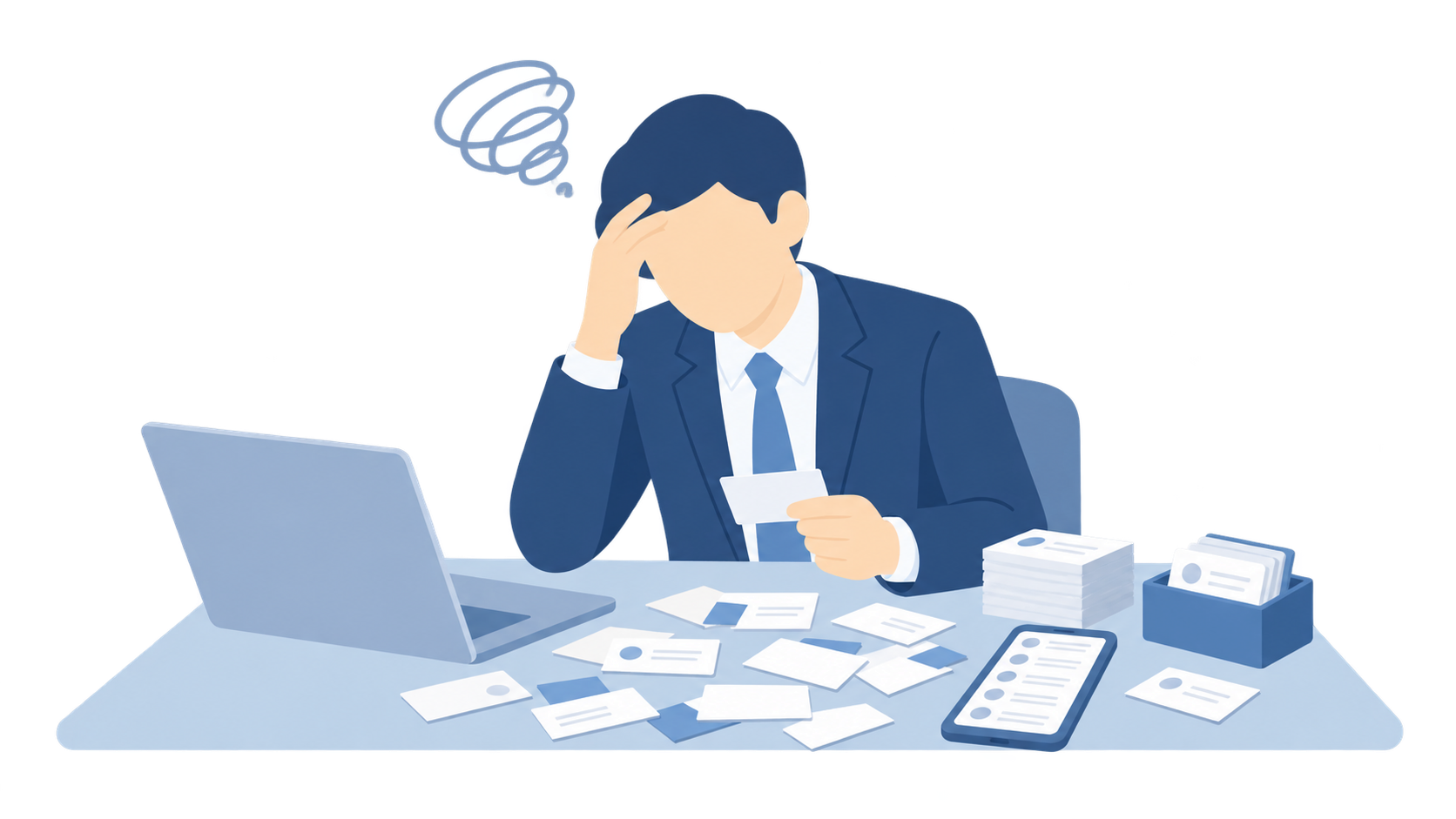
Still typing cards by hand?
Data entry eats into selling time

AI OCR captures name, company, title, phone, email, and address from paper cards, and turns them into searchable, maintainable customer records you can keep using.
After visits, trade shows, and networking, contact details often stall in manual entry, scattered storage, and delayed follow-up.
Data entry eats into selling time
Piles of cards delay follow-up
Scattered info is hard to share
Let AI handle recognition and filing so people can focus on checking, contacting, and follow-up.
From trade shows and client visits to networking, bring card details into the system quickly and continue customer management from there.
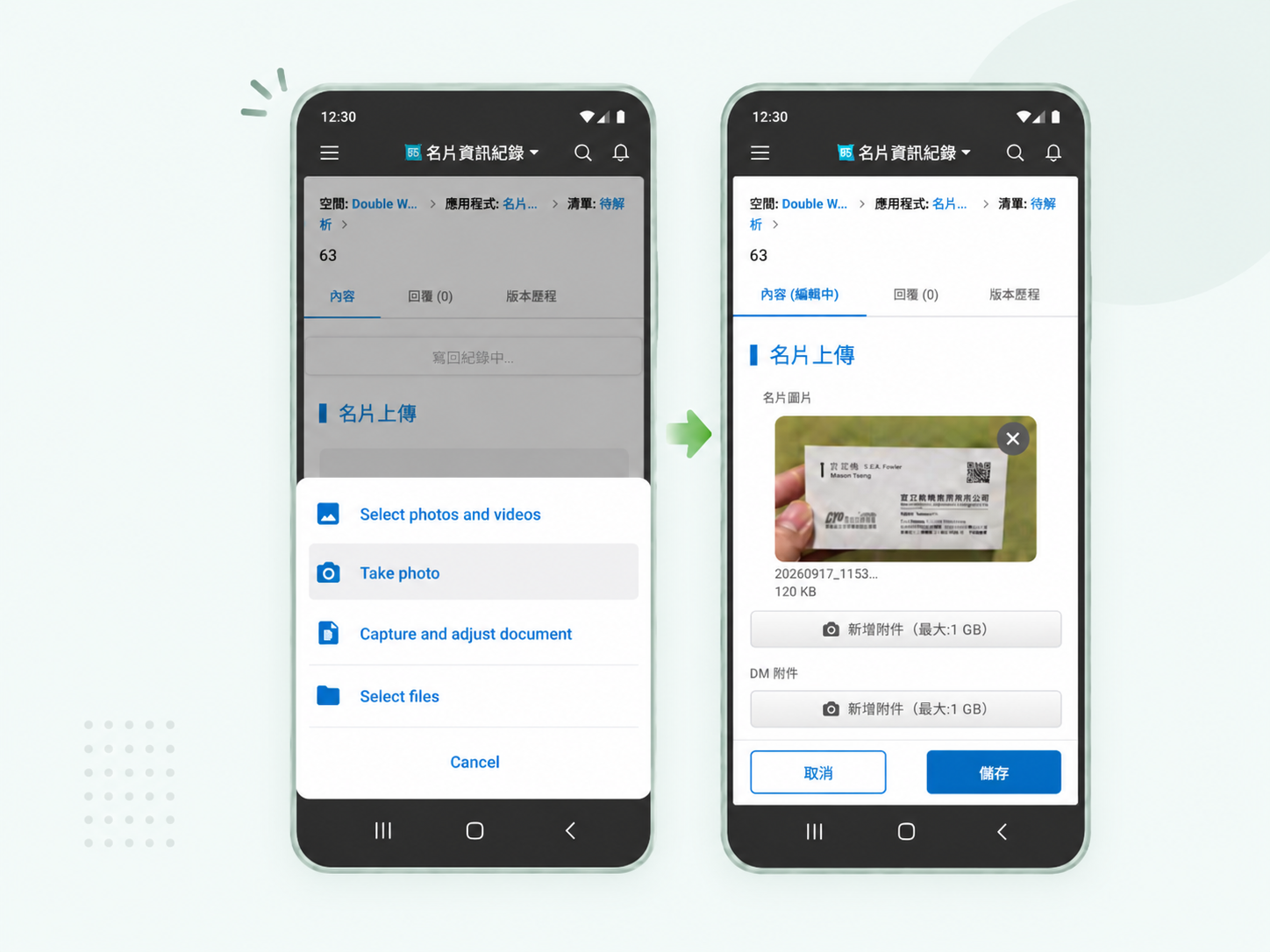
At a show, visit, or networking event, take a photo or upload an existing card image so the contact can enter the system as the starting point for follow-up.
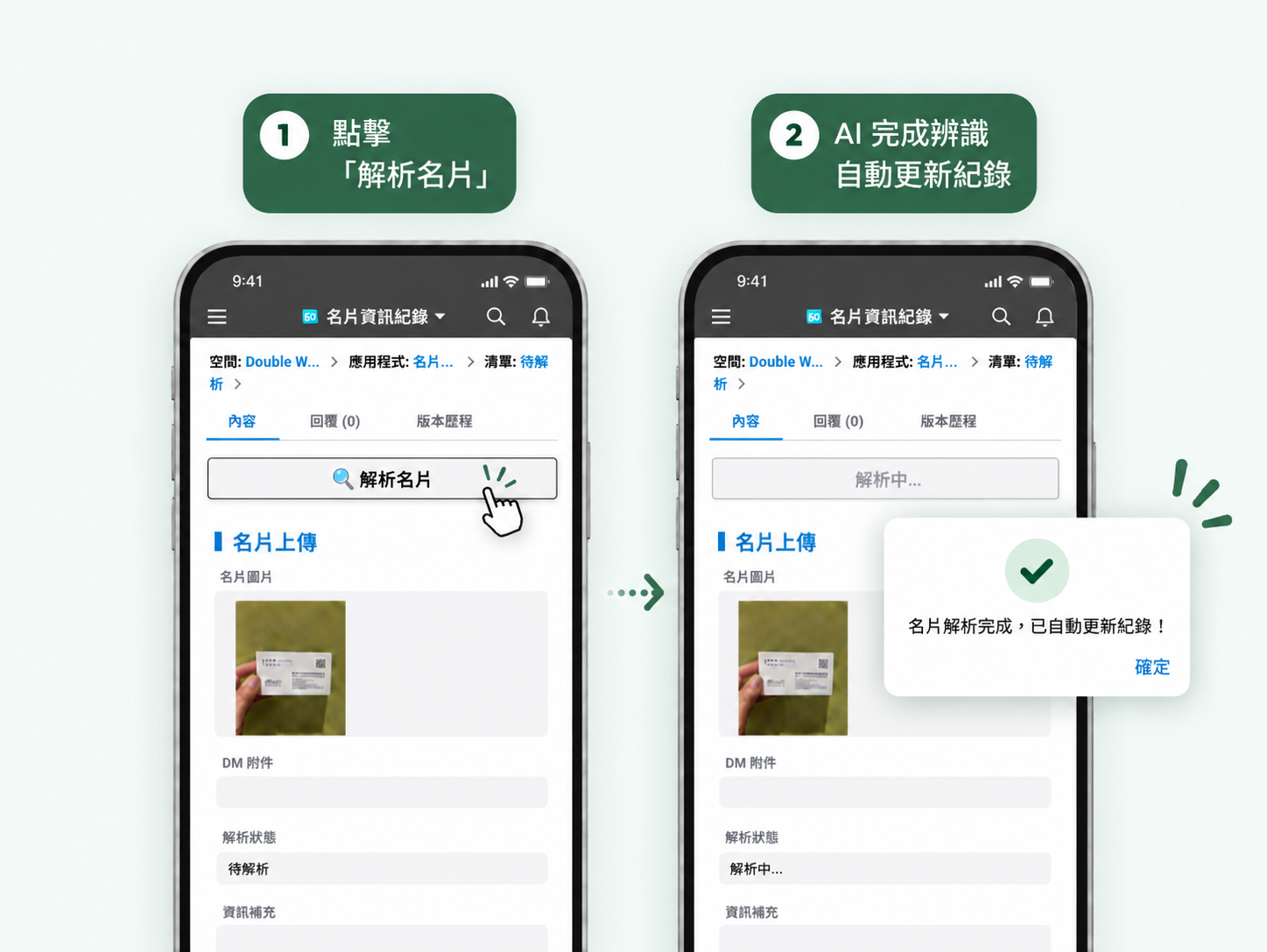
AI reads name, company, title, phone, email, and address, then fills the matching fields to create the basic record.
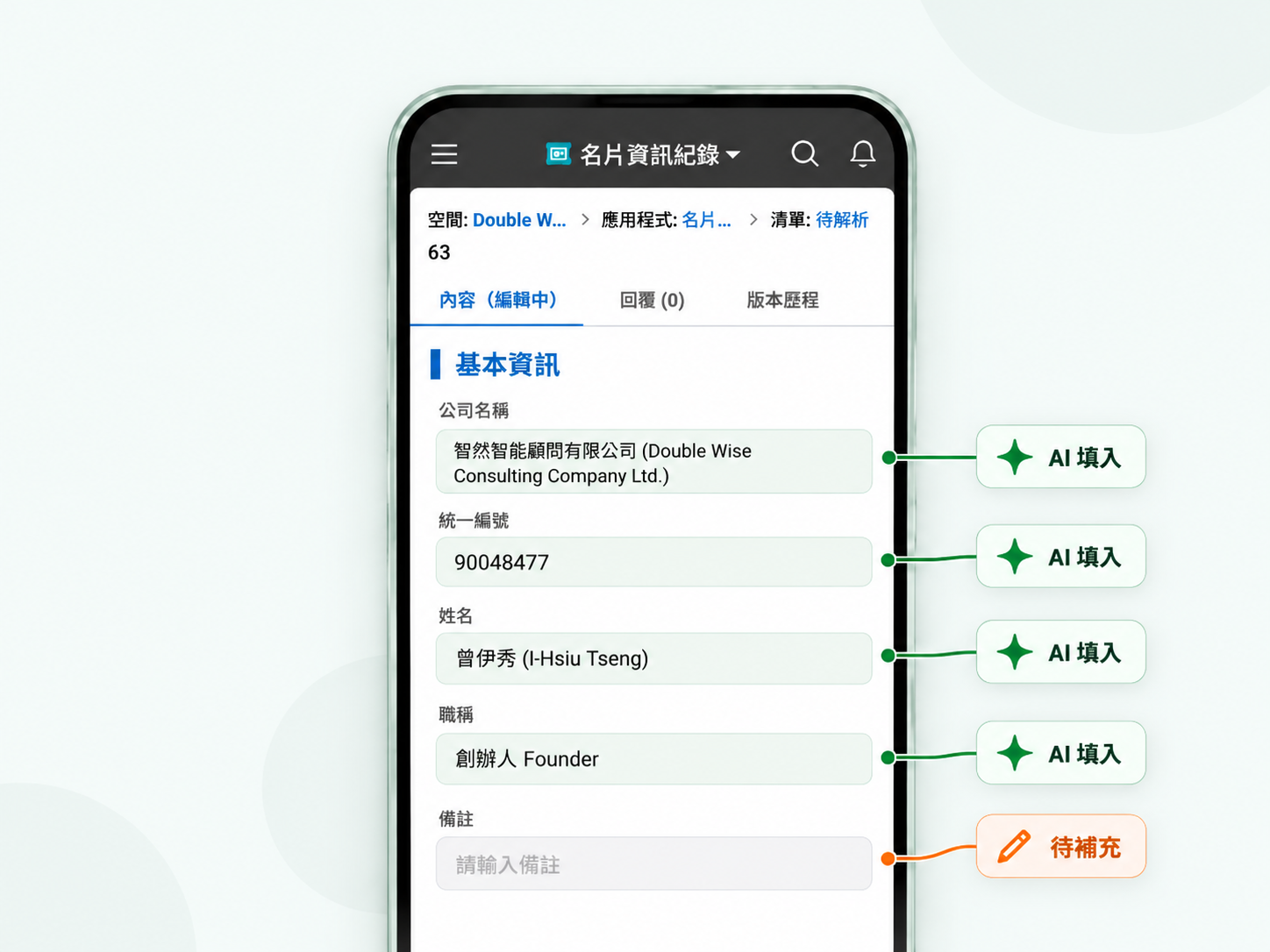
After checking the AI result, add source, need summary, notes, and next steps so the card actually enters your customer process.
Recognition is only the start. Centralize records, share them with the team, and connect them to the CRM you already use.
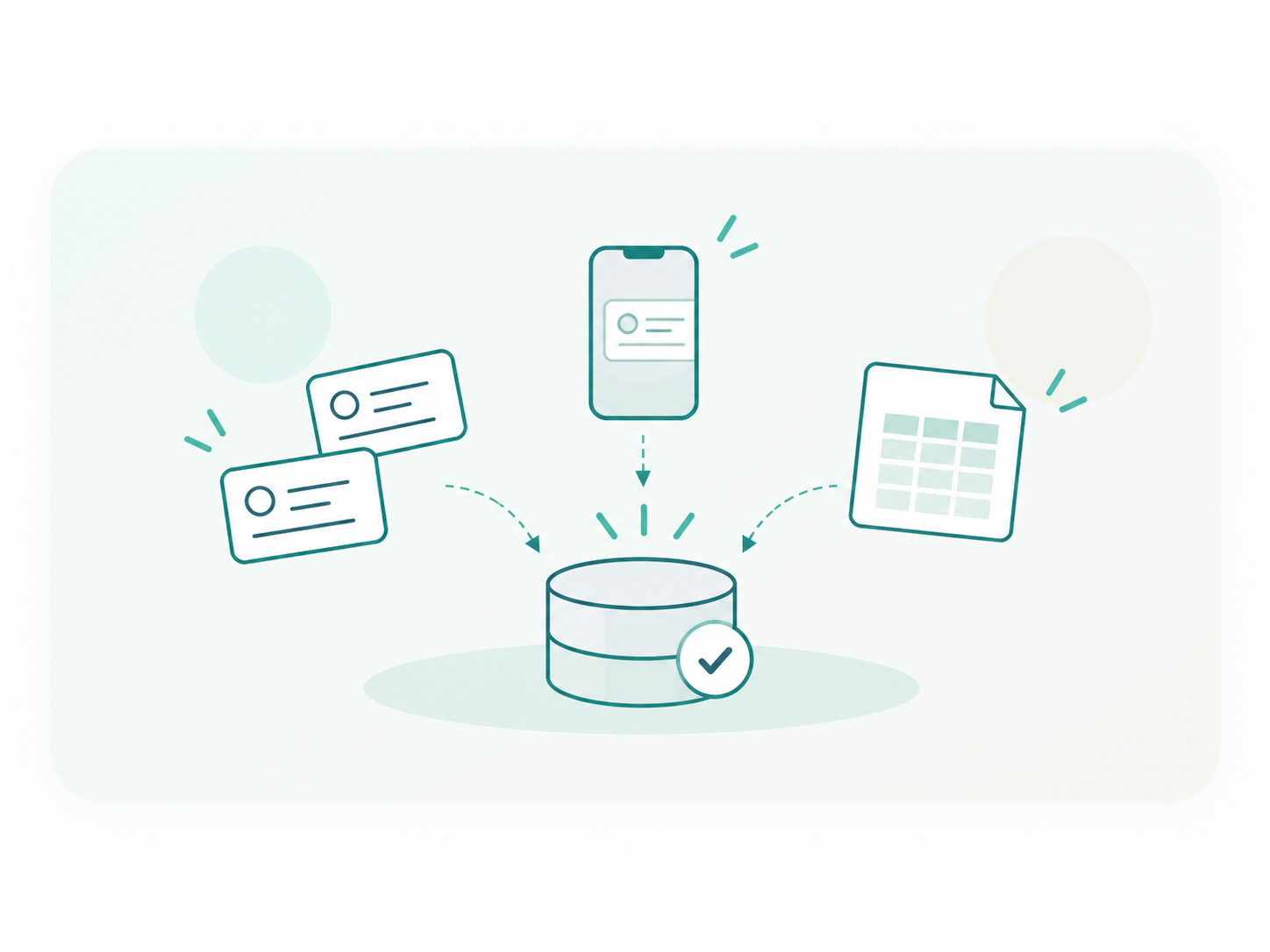
Bring contacts from card holders, phone photos, and Excel into records the team can keep maintaining.
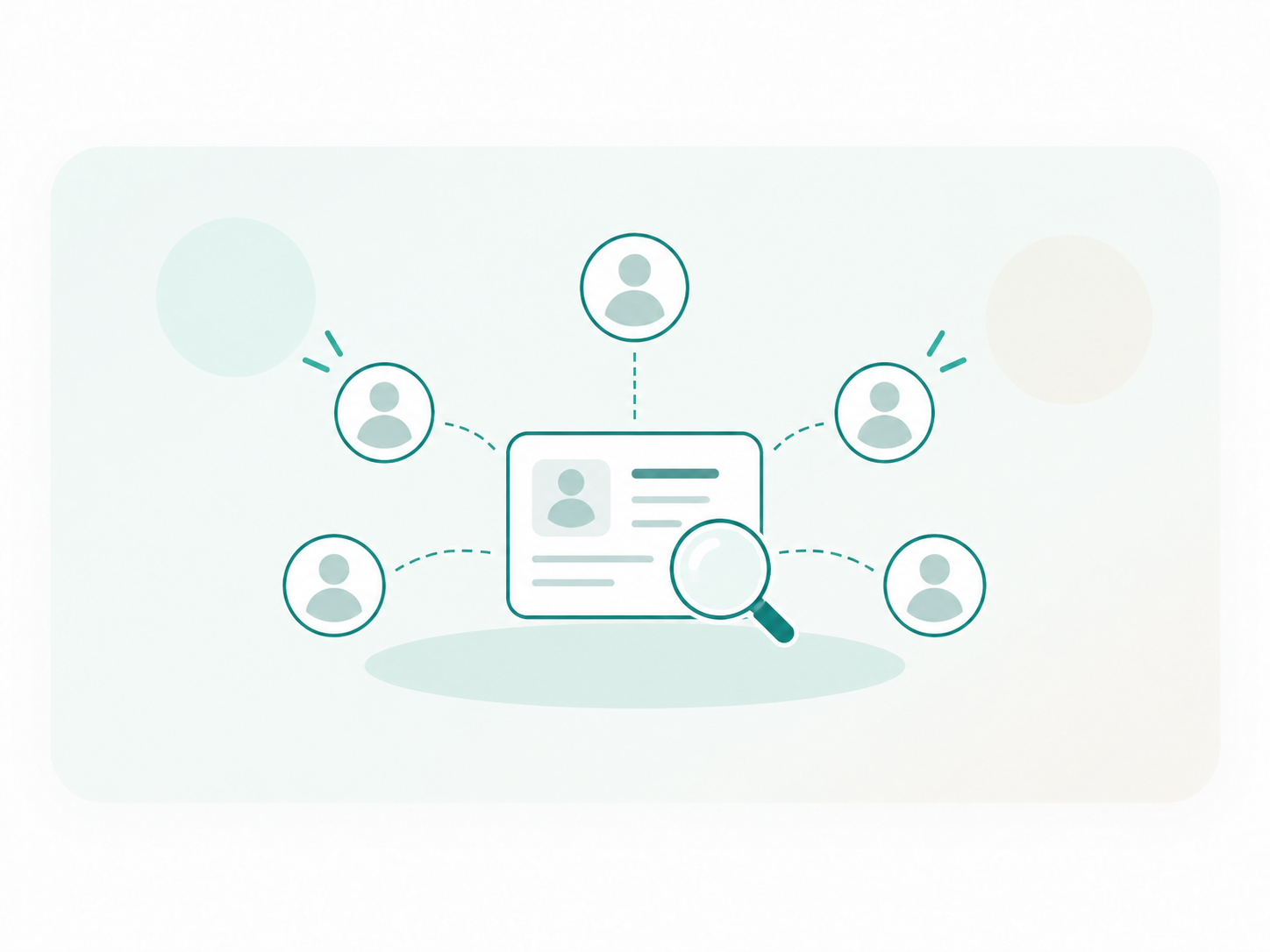
Use your existing permission model so the team can find and share customer info instead of leaving it on one person's desk.
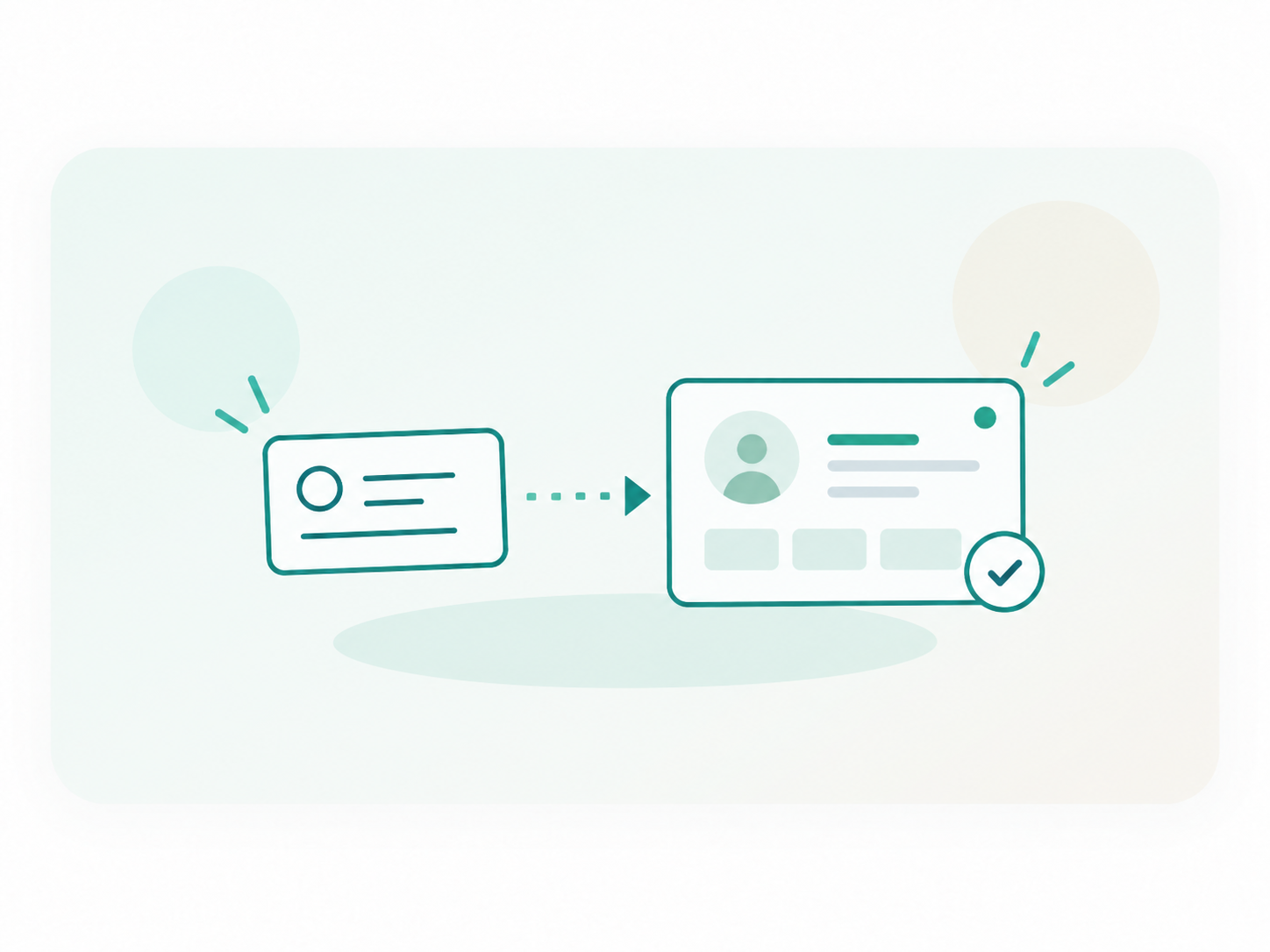
Write results into customer, vendor, or contact records and continue follow-up in the CRM you already run.
Skip typing cards one by one. Capture and file them on the spot, then continue customer management from there.
Photograph cards and add booth notes and request highlights.
Create the contact, then record what was discussed.
File partner contacts so they stay findable and maintainable.
Create vendor records and connect them to purchasing history.
Write card data into CRM and continue opportunity tracking.
AI reads and files. People confirm and decide. Nothing enters the system without a human check.
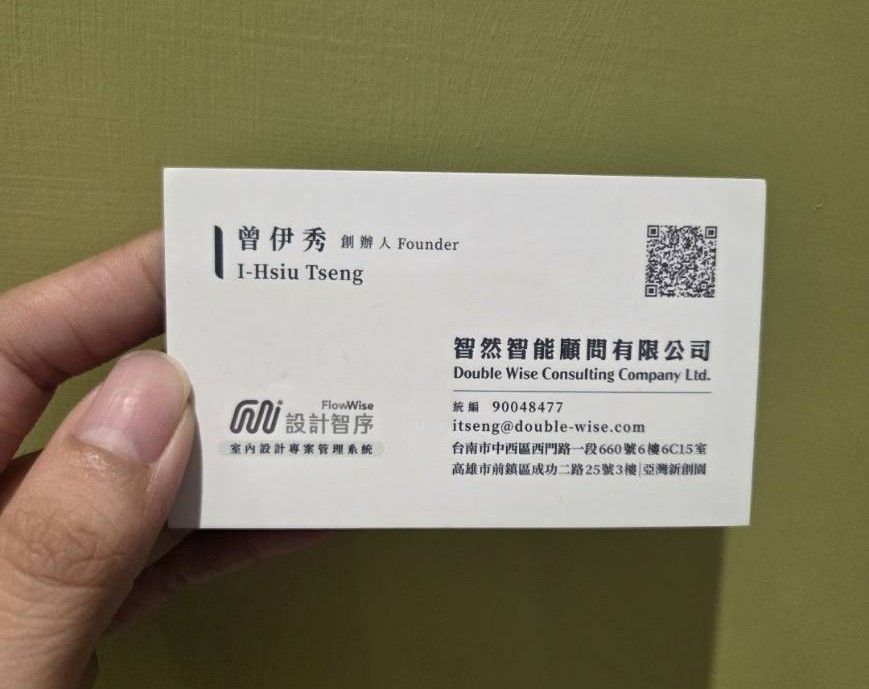
It can read name, company, title, phone, email, and address, then fill the fields your company has set. Remaining text can go into supplementary fields if you plan for them.
Yes, we recommend a human check. Photo quality, lighting, angle, obstruction, and card design all affect accuracy. Confirming before the record is saved keeps the data reliable.
The main flow is one card at a time: recognize, confirm, and file, so users can verify contact details and add conversation context in the same step.
No. We assess against the data platform and workflow you already use. If you are on kintone, results can write into existing apps. Other platforms depend on data structure and integration conditions.
Yes. Based on the platform, permissions, and how the company manages data, contacts can live in customer or vendor tables so relevant teammates can search and keep them up to date.
From photo and AI recognition to a usable record,we fit the process you already have and make card management easier to keep going.Email us: ai@double-wise.com